🚗🏍️ Welcome to Motoshare!

Turning Idle Vehicles into Shared Rides & New Earnings.
Why let your bike or car sit idle when it can earn for you and move someone else forward?

From Idle to Income. From Parked to Purpose.
Earn by Sharing, Ride by Renting.
Where Owners Earn, Riders Move.
Owners Earn. Riders Move. Motoshare Connects.

With Motoshare, every parked vehicle finds a purpose. Partners earn. Renters ride. Everyone wins.

Start Your Journey with Motoshare

Setting Up a Laravel Environment

Code Editor

Visual Studio Code
VS Code is lightweight, fast, and open-source, making it perfect for Laravel development. Its extensive customizability and Laravel-friendly extensions enhance productivity, making it ideal for developers of all levels.

Key Features of VS Code for Laravel

  • Syntax Highlighting & IntelliSense: Provides smart suggestions for PHP and Blade templates.
  • Git Integration: Simplifies version control.
  • Built-in Terminal: Easily run Laravel commands like php artisan serve.
  • Debugging Tools: Support for PHP and JavaScript debugging.

Step 1: Download and Install VS Code

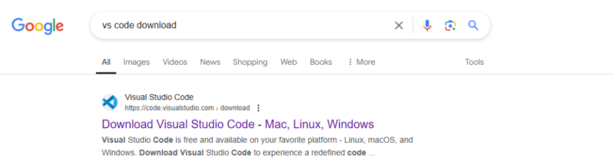
Go to the official website: https://code.visualstudio.com/.
2. Download the version suitable for your operating system (Windows, macOS, or Linux).
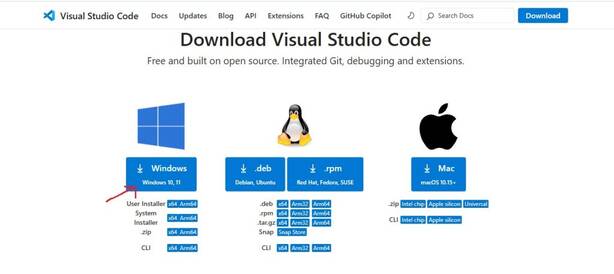
3. Install
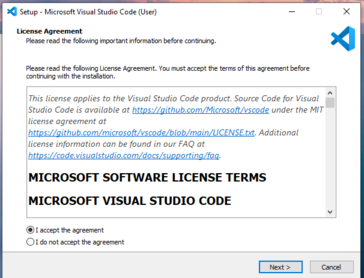
and Open VS Code.
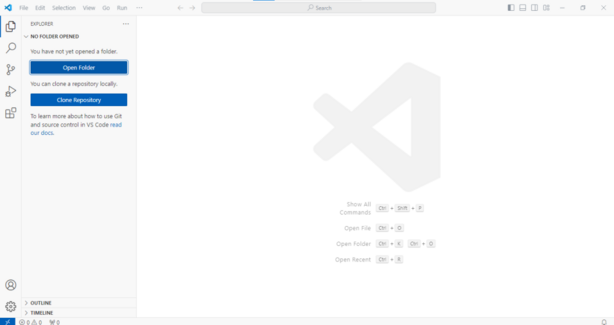
Setting Up XAMPP for Laravel Development

XAMPP is a free, open-source local server environment that includes PHP, Apache, and MySQL, essential for running Laravel projects.

Steps to Set Up XAMPP:

Visit the official XAMPP website: https://www.apachefriends.org/download.html
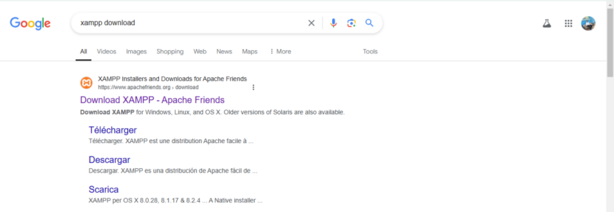
Download the installer for your operating system (Windows, macOS, or Linux).
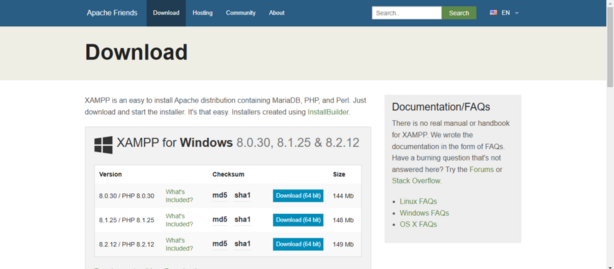
Install XAMPP

Run the installer (e.g., xampp-windows-x64-<version>.exe for Windows).
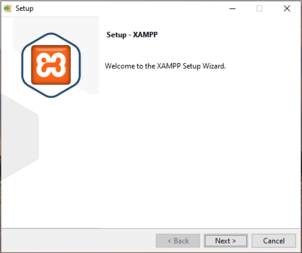
Start XAMPP Services

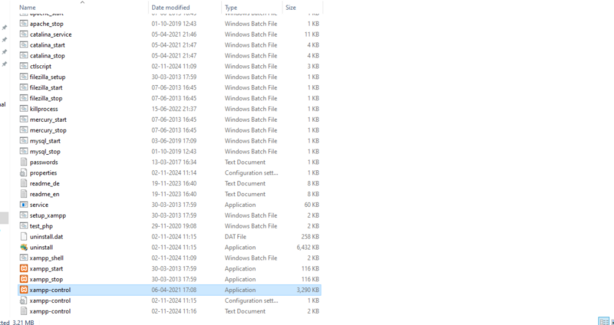
  • Open the XAMPP Control Panel (xampp-control.exe) from the installation folder or Start Menu.
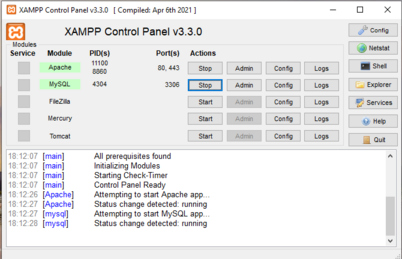
  • Start the Apache and MySQL services by clicking the Start buttons next to them.
Composer

Setting Up Composer for Laravel Development

Download Composer

Visit the official website: https://getcomposer.org/download/
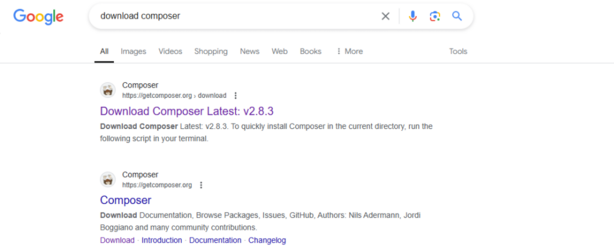
Click the “Download” button.

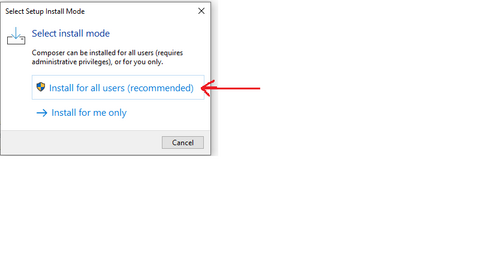
Choose installation options and complete the setup.
Open Command Prompt (CMD):
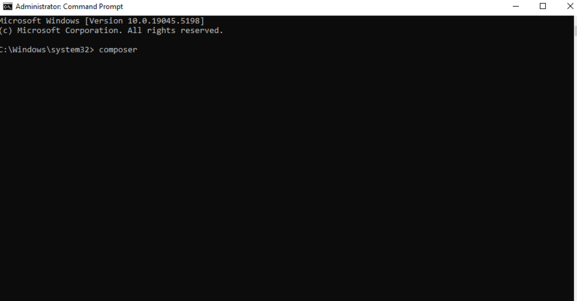
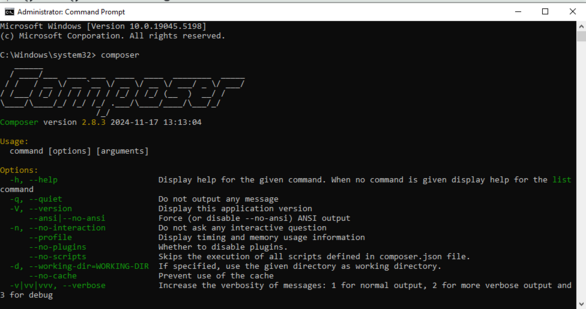
and Run the Composer Command:
Related Posts

JIRA Training in Mumbai: Boost Your Agile & DevOps Skills

In today’s fast-paced digital world, the ability to manage projects efficiently, collaborate seamlessly, and deliver value continuously is not just an advantage—it’s a necessity. For professionals and…

JIRA Training Kolkata: Boost Your Agile Career with Expert Guidance

In the bustling tech hub of Kolkata, where ambition meets tradition, professionals and organizations are constantly seeking the edge to streamline operations and deliver value faster. At…

Master Jira in Hyderabad: Expert-Led Training for Agile Teams

In today’s fast-paced digital landscape, effective project management and seamless team collaboration are no longer luxuries—they are necessities. For professionals in Hyderabad’s booming IT sector, mastering a…

Jira Training in Chennai: Master Agile Tools with Expert Guidance

In the bustling tech hub of Chennai, where innovation meets tradition, the demand for skilled Agile and DevOps professionals is skyrocketing. Whether you’re a project manager aiming…

Master Jira in Bangalore: Your Guide to Expert-Led Training & Certification

In today’s fast-paced software development and IT operations landscape, effective project management and agile execution are non-negotiable. Teams need robust tools to track progress, manage backlogs, and…

Master Jenkins in Pune: Expert-Led DevOps Training for Your Career Growth

In the pulsating heart of India’s IT revolution, Pune stands as a beacon of innovation and technological prowess. For professionals and organizations aiming to streamline software delivery,…

0 0 votes
Article Rating
Subscribe
Notify of
guest
0 Comments
Oldest
Newest Most Voted
Inline Feedbacks
View all comments
0
Would love your thoughts, please comment.x
()
x