🚗🏍️ Welcome to Motoshare!

Turning Idle Vehicles into Shared Rides & New Earnings.
Why let your bike or car sit idle when it can earn for you and move someone else forward?

From Idle to Income. From Parked to Purpose.
Earn by Sharing, Ride by Renting.
Where Owners Earn, Riders Move.
Owners Earn. Riders Move. Motoshare Connects.

With Motoshare, every parked vehicle finds a purpose. Partners earn. Renters ride. Everyone wins.

Start Your Journey with Motoshare


How to Install Laravel and Create first View Page in Laravel ?

In this tutorial im going to describe how to install laravel project and create first view pages, so follow some easy steps define below.

First let’s go to install laravel project
Before installation you have to download below software
1. Xampp Download
2. Composer Download

Let's go to install the project first go to your below directory C:\xampp\htdocs and run below code.
composer create-project laravel/laravel learning-project "5.8.*"

lets go to .env folder and put database name and connect to database.

DB_CONNECTION=mysql
DB_HOST=127.0.0.1
DB_PORT=3306
DB_DATABASE=learning-project
DB_USERNAME=root
DB_PASSWORD=
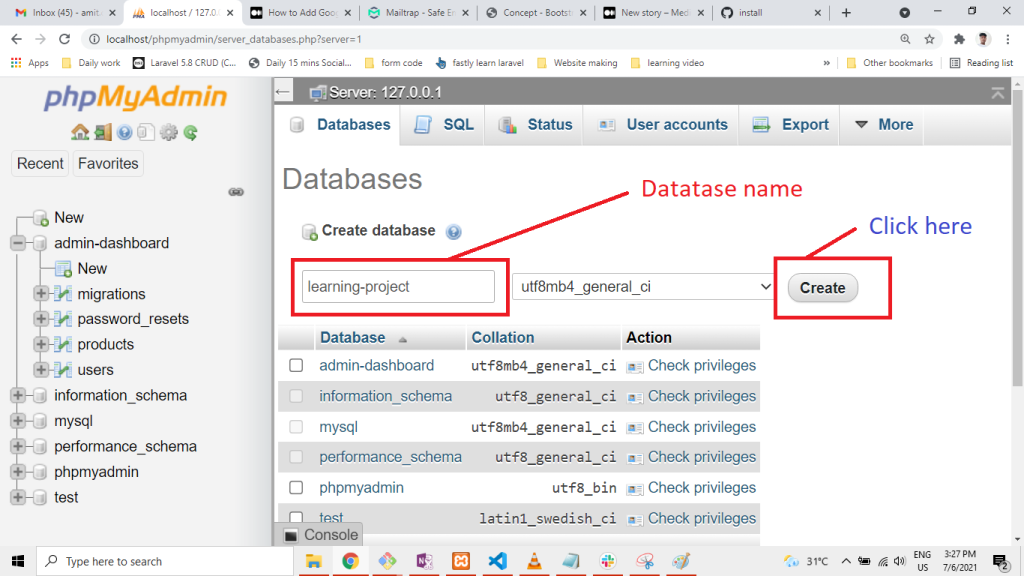
Now migrate the table
php artisan migrate

Now Open your project and go to Resouces/view folder and create folllowing files

create.blade.php
dashboard.blade.php
home.blade.php
blog.blade.php
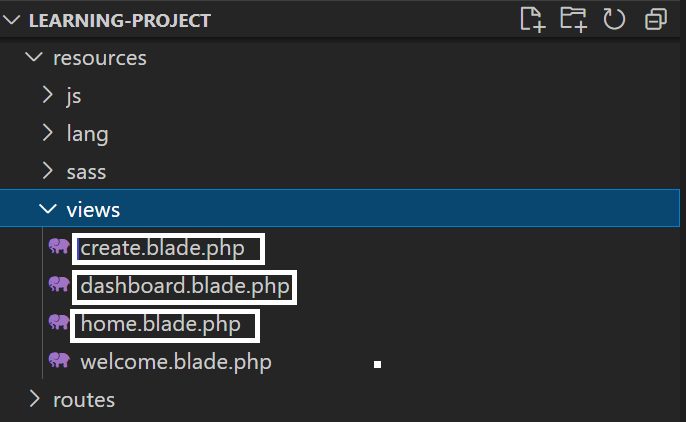
Go to create.blade.php and paste below code

<h1>this is create pages</h1>
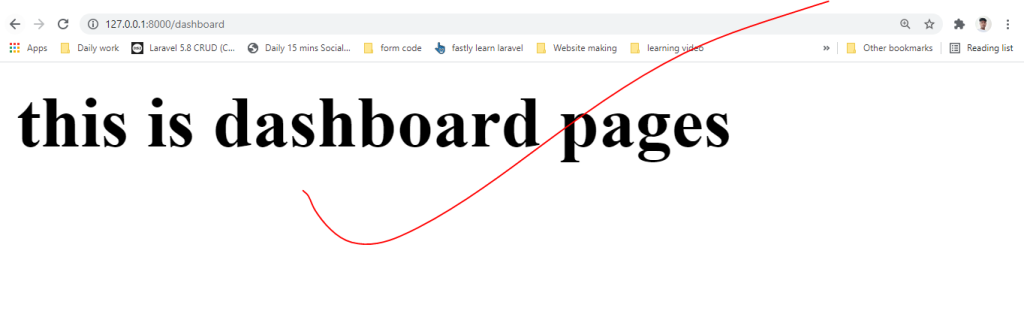
Next go to dashboard.blade.php and paste below code

<h1>this is dashboard pages</h1>
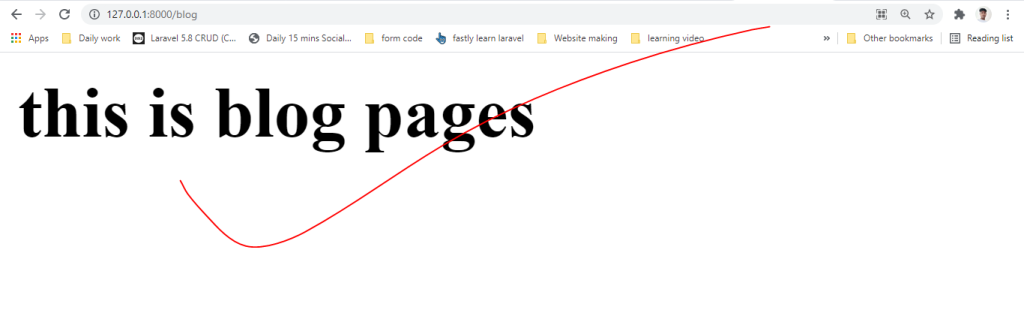
Now create blog.blade.php file and paste below lines.

<h1>this is blog pages</h1>
Next go to Route/web.php and add below line

Go to Route/web.php

<?php

/*
|--------------------------------------------------------------------------
| Web Routes
|--------------------------------------------------------------------------
|
| Here is where you can register web routes for your application. These
| routes are loaded by the RouteServiceProvider within a group which
| contains the "web" middleware group. Now create something great!
|
*/

Route::get('/', function () {
    return view('welcome');
});

Route::get('/dashboard', function (){
    return view('dashboard');
});

Route::get('/create', function (){
    return view('create');
});

Route::get('/blog', function (){
    return view('blog');
});

And last one serve below code in your terminal.

php artisan serve
Copy below url and paste in your browser.

http://127.0.0.1:8000/blog
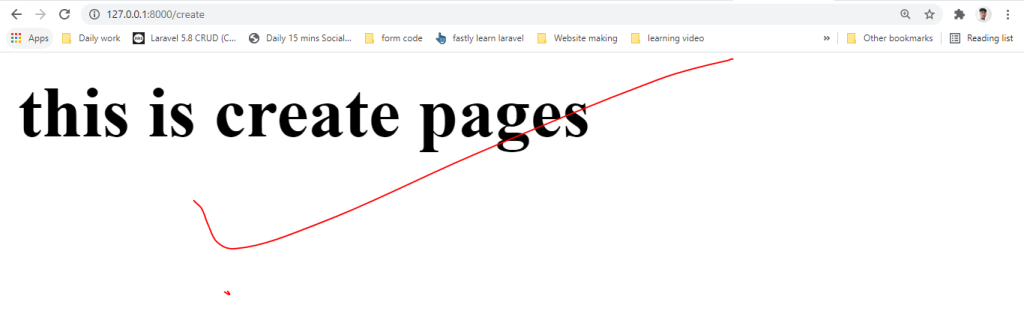
http://127.0.0.1:8000/create

Thank i hope its helpfull for you. 🙏🙏🙏

Hi I am Amit Kumar Thakur Experienced as s Software Developer with a demonstrated history of working in the information technology and services industry. Skilled in HTML, CSS, Bootstrap4, PHP, Laravel-9 , REST API,FB API,Google API, Youtube Api, Bitbucket,Github,Linux and jQuery. Strong engineering professional focused in Computer/Information Technology Administration and Management. Currently my profile is to Software Developer, analyze the requirement, creating frame for web application, coding and maintenance.

Related Posts

Mastering Client Relationship Management as a Freelance DevOps Engineer

Introduction The demand for cloud infrastructure management has turned DevOps into one of the most sought-after skills in the technology sector. As a result, many engineers are…

Read More

Navigating the Challenges of a Successful DevOps Freelance Career

Introduction The promise of DevOps freelancing is undeniably attractive. For many engineers, the prospect of choosing their projects, setting their schedules, and working with diverse tech stacks…

Read More

Defining Success for the Independent DevOps Professional

Introduction Many newcomers to the world of independent consulting believe that the measure of success is strictly tied to the size of their monthly invoice. While financial…

Read More

Healthcare Without Borders: A Guide to Accessing Specialized Treatment Worldwide

Facing a medical situation is often a time of uncertainty. Whether you are dealing with a long-term condition or planning a necessary surgery, the sheer number of…

Read More

Global Healthcare Booking Made Easier for Patients and Families

Healthcare decision-making is rarely simple. When a health issue arises, the immediate focus should be on recovery, not on the complex, often opaque maze of navigating hospital…

Read More

The DevOps Freelancer Guide to Professional Credibility

Introduction In the world of freelance DevOps, your technical skills—knowing how to configure Kubernetes, manage CI/CD pipelines, or optimize cloud costs—are simply the entry ticket. They are…

Read More
0 0 votes
Article Rating
Subscribe
Notify of
guest
0 Comments
Oldest
Newest Most Voted
Inline Feedbacks
View all comments
0
Would love your thoughts, please comment.x
()
x